Set up a Java or Kotlin Pipeline
Published March 05, 2026
As mentioned in the NodeJS Pipeline CI/CD is quite important to a high-performing software development team. With this post we will show how to set up a java or kotlin project with spring boot that uses zippy to build your pipeline.
For this small guide we will use Spring Initializr, as this is an easy way to start with your spring project.
In this example we are going to use the kotlin variant, but Java will also work perfectly.
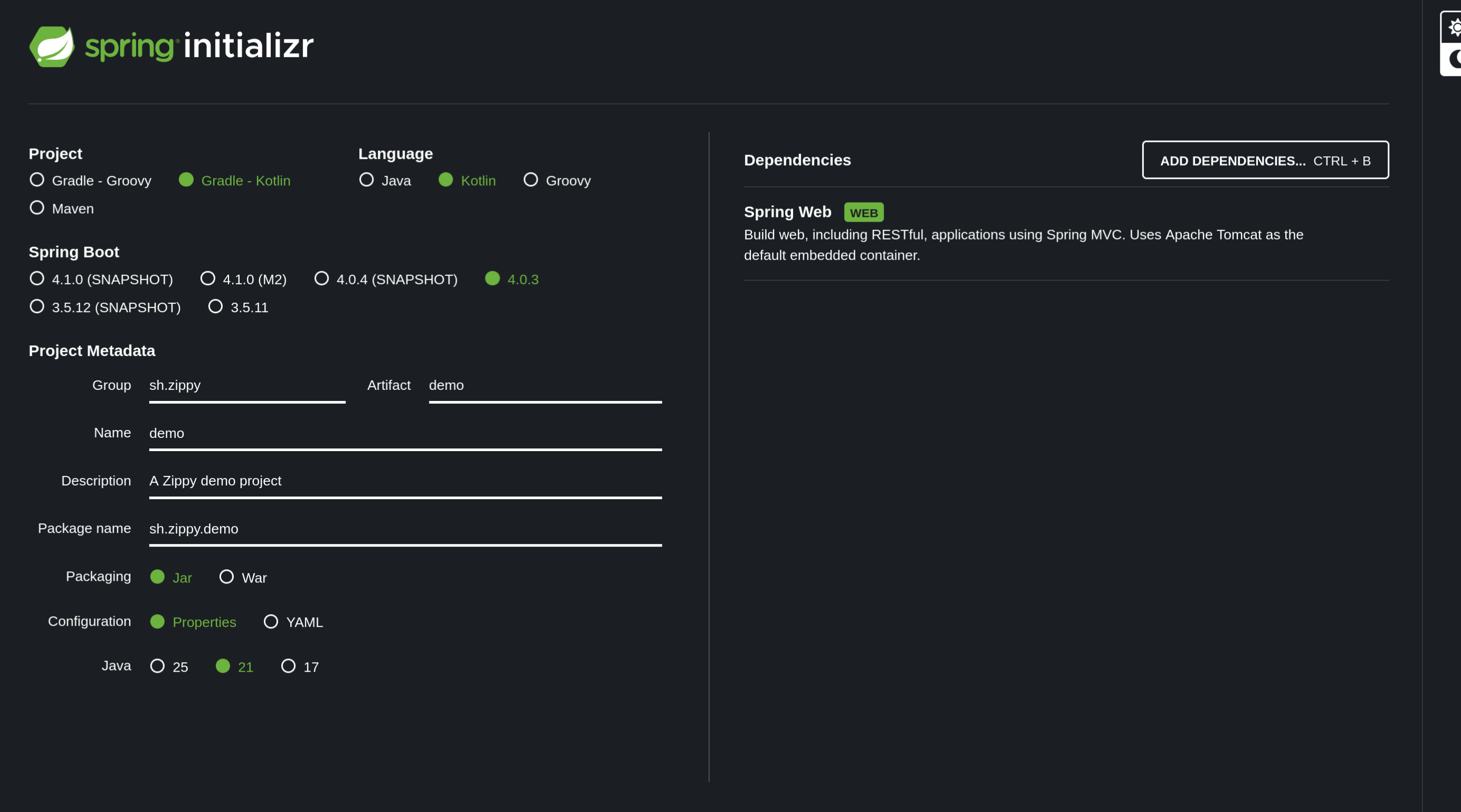
Once extracted to any location of your preference it’s time to try this locally.
It works locally. Now let’s see if we could get these steps into a CI/CD pipeline.
Our first step is to create our environment to run the jdk, create a file called ubuntu.sh and add openjdk.
#!/bin/bash

set -e

sudo apt-get update -y
sudo apt-get install -y openjdk-21-jdk
Once our environment is set up, we want our build pipeline to actually do some work.
For this we want to run gradle build, you will need to create a zippy.sh file.
#!/bin/bash

set -e
export JAVA_HOME=$(dirname $(dirname $(readlink -f $(which java))))
export PATH=$JAVA_HOME/bin:$PATH

chmod +x gradlew
./gradlew build
Your first build
As you can see it might be a bit slow the first time. This is because the system will first set up your environment to run java. Luckily every following build will be fast:
Subsequent build results
13 seconds for a build, not bad! It’s time for you to add a build pipeline to your project and improve your code quality!